

A nanny cam can give parents real peace of mind. It lets you check on your baby or child while a nanny, babysitter, or family member is looking after them, see how they settle for a nap, and look back at anything that worried you. But a nanny cam is also a camera in your home, recording people who may not expect to be filmed, so choosing the right one means balancing safety, privacy, video quality, and the law.
This guide explains what a nanny cam is, the main types available, the features that actually matter, and how to use one responsibly. It also covers the pros and cons of the most common options, so you can choose a camera that fits your home, your budget, and your family.
What Is a Nanny Cam?
A nanny cam is a camera used to monitor a child and their carer at home. The term covers everything from a small Wi-Fi camera on a nursery shelf to a camera hidden inside another object, such as a clock or a picture frame. Most parents today use a visible, openly placed camera rather than a hidden one. That is usually better for trust, for the quality of the picture, and for staying on the right side of the law.
Nanny cams are not the same as baby monitors. A traditional baby monitor is a closed system with a camera and a handheld parent unit, and it usually works without Wi-Fi. A nanny cam is more likely to connect to your Wi-Fi, send alerts to your phone, record video to the cloud or an SD card, and let you watch live from anywhere.
Types of Nanny Cam
Wi-Fi Cameras
Wi-Fi cameras are the most popular type of nanny cam. They connect to your home Wi-Fi, stream live video to an app on your phone, and often include two-way audio, motion alerts, and night vision. They are easy to move between rooms, and many models are affordable and simple to set up.
Pros: live viewing from anywhere, phone alerts, cloud or local recording, two-way talk, and a wide choice of models.
Cons: they depend on Wi-Fi, they can be hacked if you use a weak password or skip updates, and some features need a paid subscription.
Dedicated Baby Monitors with a Camera
These use a camera and a separate parent unit, with no Wi-Fi and no app. They are a good choice if you want a simple, private system, or if your Wi-Fi is unreliable.
Pros: no internet connection needed, less risk of remote access, and often very easy to use.
Cons: limited range, no remote viewing when you are away from home, and fewer smart features.
Hidden or Disguised Cameras
Hidden cameras are built into everyday objects. They are designed to record without being noticed, which raises serious legal and ethical questions. In many places you must not record in bathrooms, bedrooms, or changing areas, and you must not record sound without consent where the law requires it.
Pros: discreet, and useful if you have a specific, lawful reason to record without alerting the person being filmed.
Cons: legal risk, ethical problems, often lower video quality, and damage to trust if discovered. For most families, a visible camera is the better choice.
Smart Home and Doorbell-Style Cameras
General smart home cameras can also work as a nanny cam, especially in a living room or playroom. They often have good video quality, motion zones, and integration with other smart home devices, but they are not designed for a nursery, and they may lack features such as lullabies, room temperature readings, or a dedicated parent unit.
Key Features to Look For
Video Quality and Night Vision
Look for at least 1080p HD video, and check that night vision is clear rather than grainy. A wide-angle lens helps you see a whole room, while a camera that can pan and tilt lets you follow a child as they move. If you plan to check on a sleeping baby, test the night vision before you rely on it.
Two-Way Audio
Two-way audio lets you talk to your child or carer through the camera. It is useful for soothing a baby, giving a quick instruction, or checking in without entering the room. Make sure the speaker is clear and not distorted, and that there is no long delay.
Motion, Sound, and Crying Alerts
Good alerts tell you when something actually happens, without sending a notification every time a curtain moves. Look for adjustable motion sensitivity, person detection, and sound or crying alerts. Some cameras let you set activity zones, so you only get alerts for the cot or the play area.
Recording and Storage
Decide how you want to store video. Cloud storage is convenient and protects recordings if the camera is damaged or stolen, but it usually needs a subscription. Local storage on an SD card is cheaper and keeps video in your home, but you can lose it if the card is removed. Some cameras offer both.
Privacy and Security
Security is not an optional extra for a camera in a child’s room. Choose a camera from a reputable brand, use a strong, unique password, turn on two-factor authentication, and keep the firmware updated. Check whether video is encrypted in transit and at rest, and read the privacy policy to see who can access your recordings. If a camera offers local-only recording, consider using it.
Where to Place a Nanny Cam
Place the camera where it can see the main activity without being in the way. In a nursery, a high corner or a shelf opposite the cot usually works well. In a living room, place it so it covers the play area and the door. Avoid pointing a camera at a changing table, a bathroom, or any private space, and keep cables out of a child’s reach. A camera on a shelf is often safer and more stable than one mounted low down, where a toddler can pull it over.
If you use a camera in a baby’s room, remember that it is a useful extra, not a replacement for safe sleep practices. A safe cot and a safe sleep space matter more than any camera, as explained in our guide to choosing the right baby cot for a safe and comfortable sleep space. Also be realistic about sleep: many parents worry about broken nights, so read our gentle guide on whether 12 hours of sleep by 12 weeks old is realistic before you expect a camera to solve a sleep problem.
Are Nanny Cams Legal?
Laws vary by country and by state, so check the rules where you live before you install a camera. In general, video recording in your own home is allowed in shared living spaces, but recording in private places such as bathrooms and bedrooms is not, and recording audio often has stricter rules than recording video. Tell your nanny or babysitter that a camera is in use, where it is, and what it records. That is not only polite and fair, it also protects trust, and in some places it is legally required. Put the camera policy in writing, in the employment or care agreement, so everyone is clear.
Popular Nanny Cam Options to Compare
Rather than naming one “best” camera for everyone, compare models by how they fit your home. A small Wi-Fi camera is a good starting point for a living room. A dedicated baby monitor is better if you want no Wi-Fi, or if you will mainly watch from inside the house. A pan-and-tilt camera is worth considering for a large playroom, where a fixed camera would miss too much. A camera with local storage is a good choice if you want to avoid a monthly subscription, while a camera with cloud storage is better if you want to keep recordings off-site.
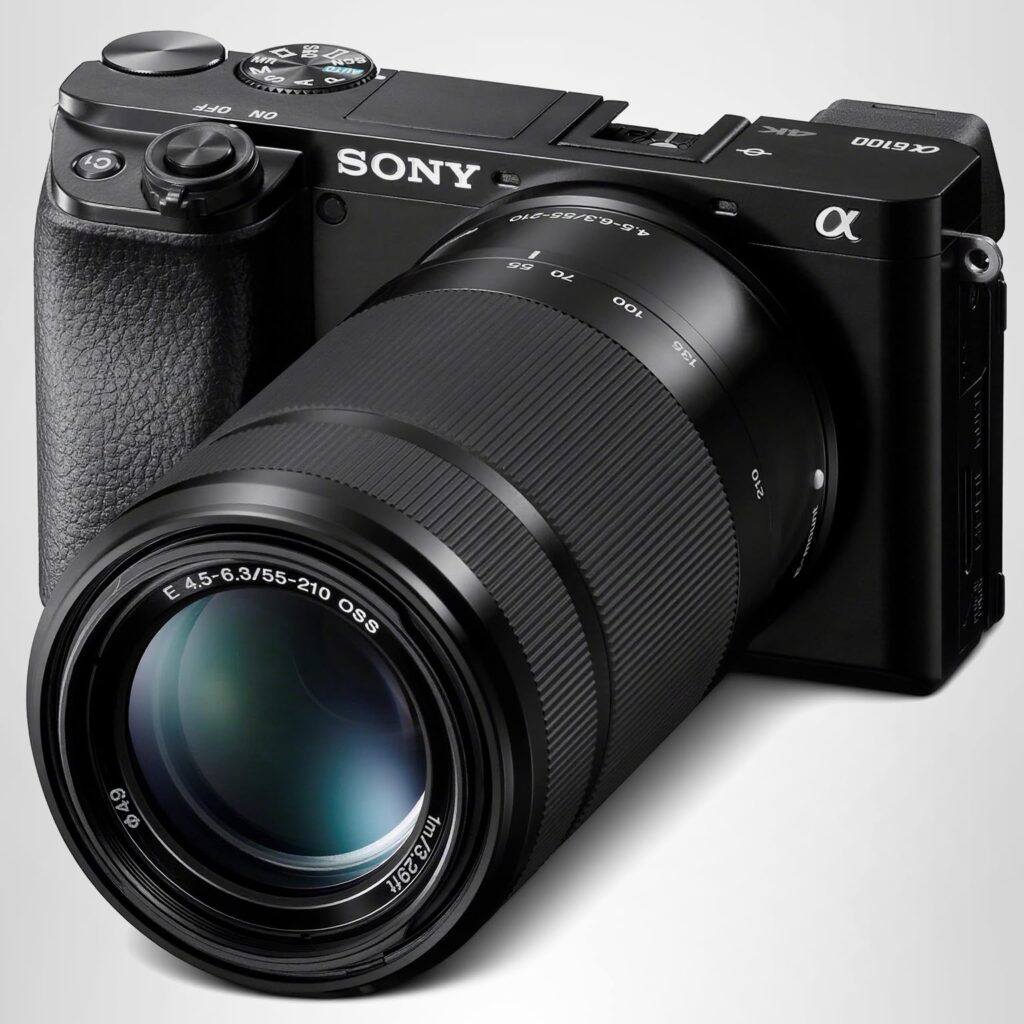
If you want a camera for photography as well as for monitoring your child, it helps to understand how a dedicated camera differs from a phone or a simple Wi-Fi camera. Our guide to the Sony A6100 for beginners explains what a mirrorless camera can do, and why it is a different tool from a home monitoring camera.
How to Set Up a Nanny Cam
- Test the Wi-Fi: check the signal in the room where the camera will go, especially in a nursery at the far end of the house.
- Update the firmware: install updates before you mount the camera, and turn on automatic updates if available.
- Set a strong password: use a unique password and two-factor authentication, and do not share the login with anyone who does not need it.
- Adjust the angle: check the live view on your phone, and make sure the cot, play area, and door are all in frame.
- Test alerts: walk through the room, talk, and check that motion and sound alerts work as expected.
- Tell your carer: show them the camera, explain what it records, and answer their questions.
Common Mistakes to Avoid
Do not rely on a camera to replace supervision, do not place it where a child can reach the cable, and do not leave the default password unchanged. Do not record in private spaces, and do not share clips of a nanny or a child on social media without consent. Also, do not buy a camera only because it is cheap: poor night vision, unreliable alerts, and weak security are frustrating, and they can leave you with a false sense of safety.
Frequently Asked Questions About Nanny Cams
Do I have to tell my nanny about a nanny cam?
In most cases, yes. You should tell your nanny or babysitter where cameras are, what they record, and why you use them. This builds trust, and in many places it is legally required, especially for audio recording.
Can a nanny cam be hacked?
Any Wi-Fi camera can be hacked if it has a weak password, outdated firmware, or no encryption. Reduce the risk with a strong unique password, two-factor authentication, regular updates, and a reputable brand.
Is a nanny cam the same as a baby monitor?
Not exactly. A baby monitor usually has a camera and a parent unit and works without Wi-Fi. A nanny cam usually connects to Wi-Fi and an app, so you can watch from anywhere, and it often records video and sends alerts.
Where should I not put a nanny cam?
Do not put a camera in a bathroom, a changing area, or a bedroom used by an adult carer. Keep cameras in shared living and nursery spaces, and keep cables out of a child’s reach.
Do I need a subscription for a nanny cam?
It depends on the model. Many Wi-Fi cameras work without a subscription for live viewing, but cloud recording, person detection, and longer video history often need a paid plan. Cameras with an SD card can record locally without a subscription.
Conclusion
The best nanny cam is the one you can trust, understand, and use comfortably: clear video day and night, reliable alerts, strong security, and a placement that respects everyone in your home. Choose a visible camera, tell your carer about it, secure it properly, and use it as a support for good care, not a replacement for it. With the right camera and the right approach, a nanny cam can give you genuine reassurance while your child is in someone else’s care.